

LegendPeeps
Home Apps Video Players & Editors GoPro Quik: Video Editor
GoPro Quik: Video Editor

GoPro Quik: Video Editor

4.52
|
VVARY
|
50M+
GoPro Quik: Video Editor screenshot GoPro Quik: Video Editor screenshot GoPro Quik: Video Editor screenshot GoPro Quik: Video Editor screenshot GoPro Quik: Video Editor screenshot GoPro Quik: Video Editor screenshot GoPro Quik: Video Editor screenshot GoPro Quik: Video Editor screenshot GoPro Quik: Video Editor screenshot GoPro Quik: Video Editor screenshot GoPro Quik: Video Editor screenshot GoPro Quik: Video Editor screenshot GoPro Quik: Video Editor screenshot GoPro Quik: Video Editor screenshot GoPro Quik: Video Editor screenshot GoPro Quik: Video Editor screenshot GoPro Quik: Video Editor screenshot GoPro Quik: Video Editor screenshot GoPro Quik: Video Editor screenshot GoPro Quik: Video Editor screenshot GoPro Quik: Video Editor screenshot GoPro Quik: Video Editor screenshot GoPro Quik: Video Editor screenshot GoPro Quik: Video Editor screenshot

App Information

Category Video Players & Editors
Developer GoPro
Version VARY
Content Rating Everyone
Price Free
Min Android Varies with device
Updated Apr 21, 2026

Description

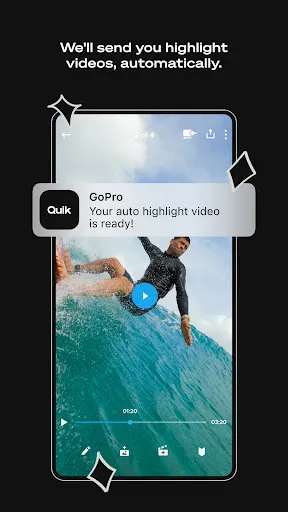
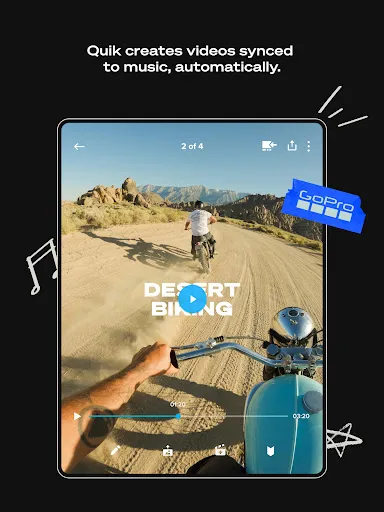
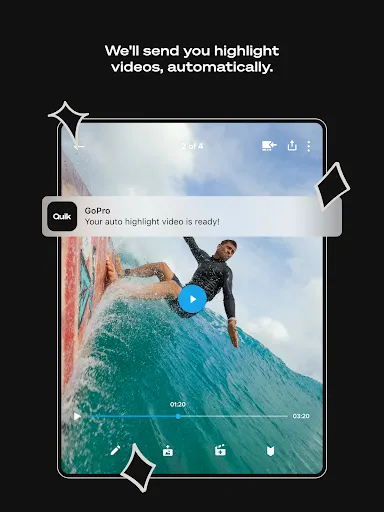
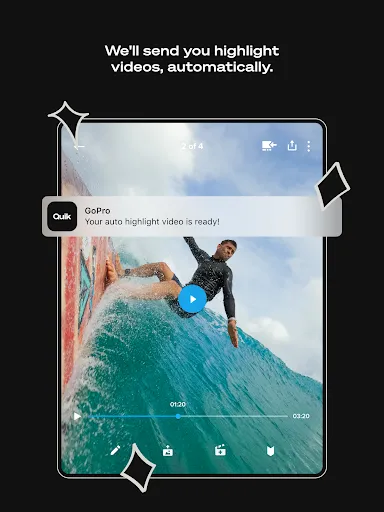
With Quik, editing just got easier. Get the most out of your favorite shots with Automatic Highlight videos and a suite of premium tools for custom edits [1]. Everything is backed up to the GoPro cloud so you can access and edit your footage on-the-go [1].

--- Key Features ---
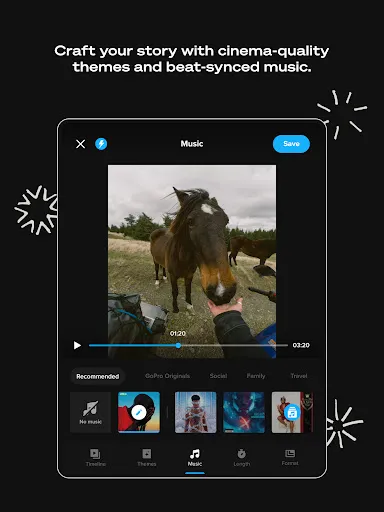
Automatic Edits
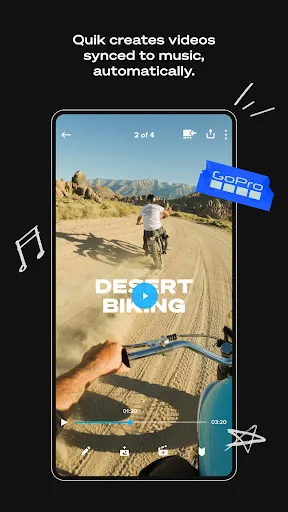
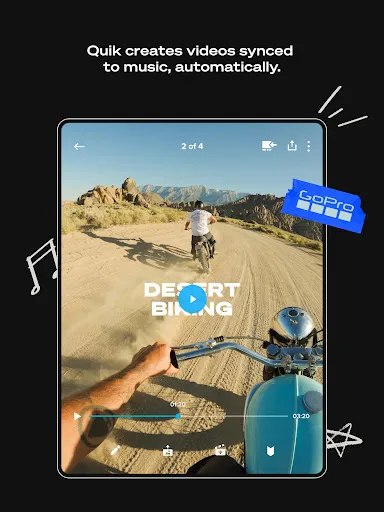
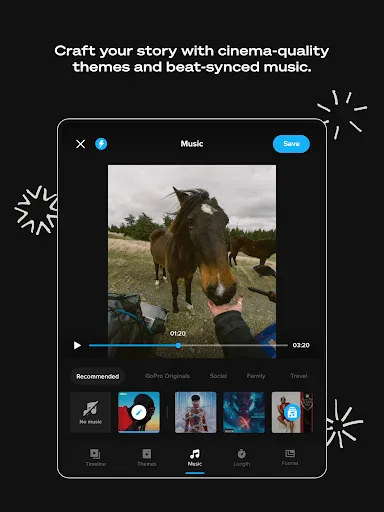
The Quik app finds your best shots, syncs them to music, adds transitions and automatically creates a shareable video. [1]

Unlimited Cloud Storage at 100% Quality
Get UNLIMITED cloud storage of ALL your GoPro footage and up to 500GB from other cameras with a Premium or Premium+ subscription. All at 100% quality. [2]

Auto Upload + Cross Device Sync
Once imported into the Quik app, photos, videos, and edits automatically upload to the cloud for backup and sync across your devices for seamless cross-platform editing and content management. [1]

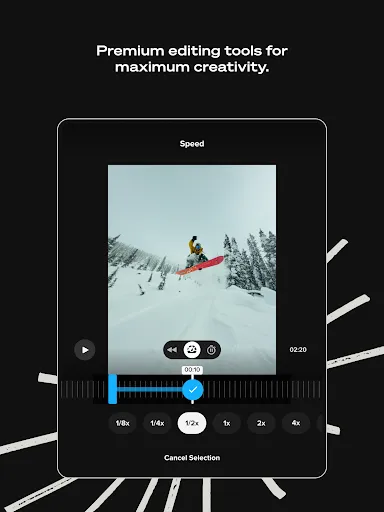
Premium Editing Tools
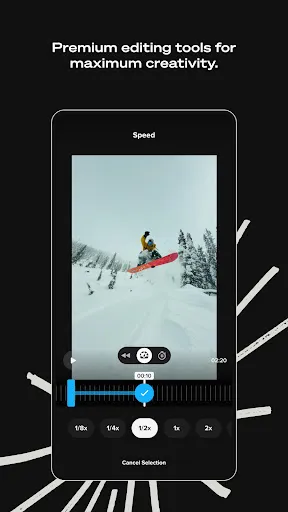
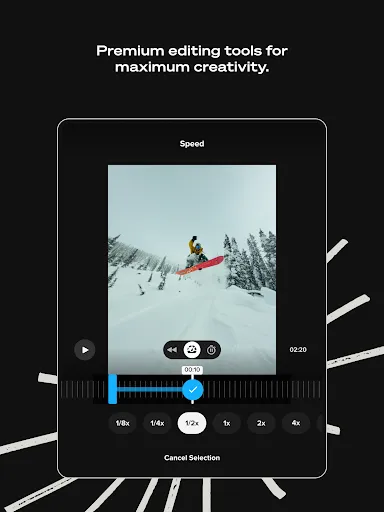
Play with color and light, trim video length, add stickers and more to take your footage to the next level.

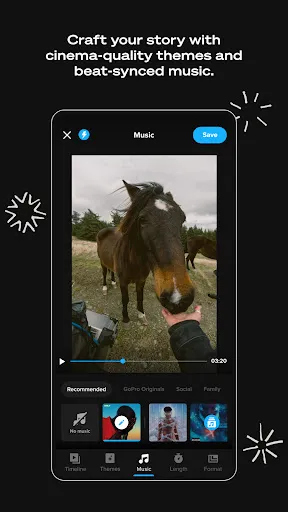
Beat Sync
Syncs clips, transitions, and effects to the beat of the music. [1]

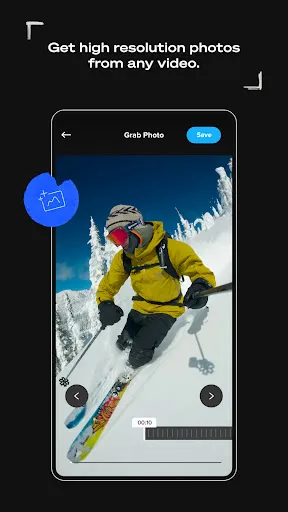
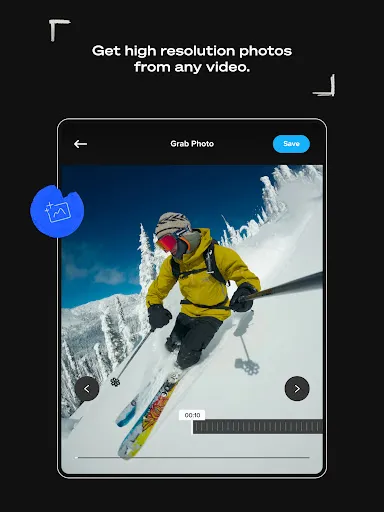
Frame Grab
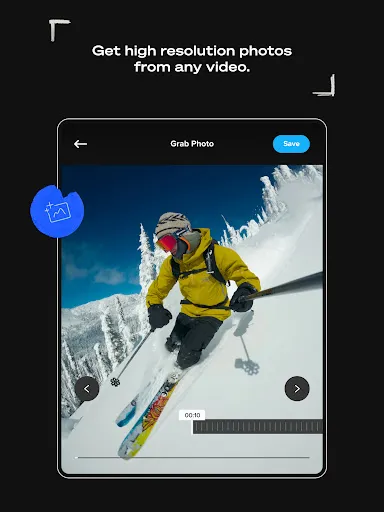
Get high resolution photos by capturing a frame from any video.

Themes
Find a theme that tells your story with cinematic transitions, filters, and effects. [1]

Filters
Exclusive filters optimized for environments like snow and water.

Frame Adjust
Adjust the aspect ratio for photos and videos. You can also level the horizon, rotate and flip media.

Text Overlays
Add text and emojis for another dimension to your story. [1]

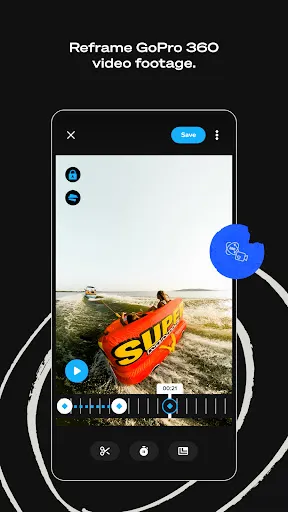
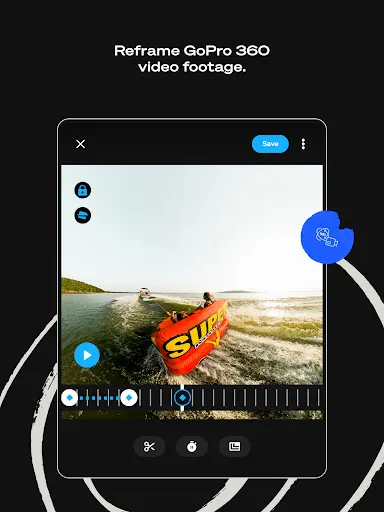
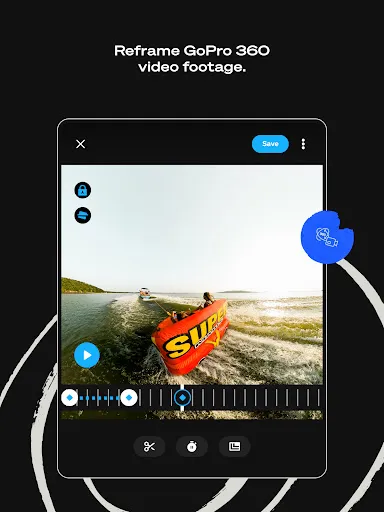
Transform 360 into Traditional Video with Reframe
Use Reframe to experiment with countless views, choose the best shots and instantly create cinematic transitions with the click of a keyframe. Then, export a traditional video or photo you can edit and share.

--- GoPro Camera Owner Features ---
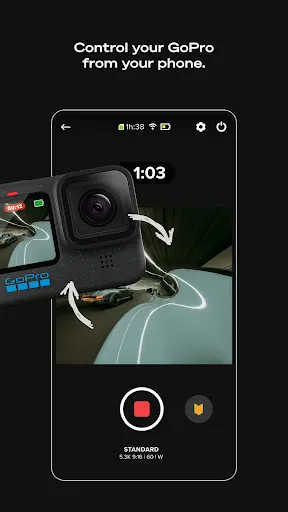
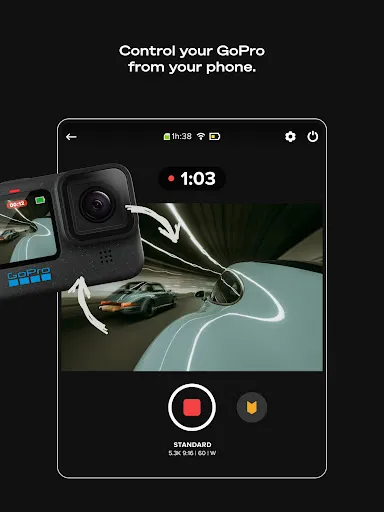
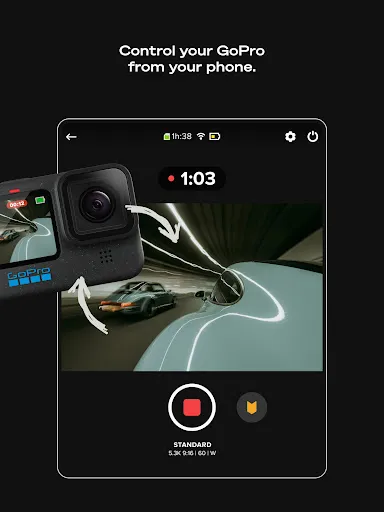
Auto GoPro Detection + Transfer
Automatically detects connected GoPro cameras and transfers footage across a wired USB connection for fast and easy transfers.

Preview Shots + Delete
Check out GoPro camera photos and videos on your computer before you transfer them or delete unwanted shots from your camera's SD card.

Content Management
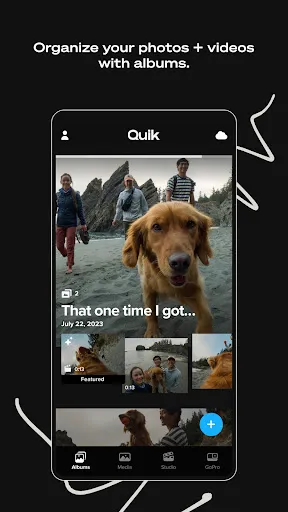
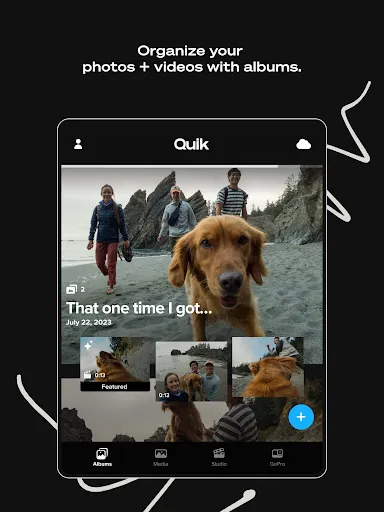
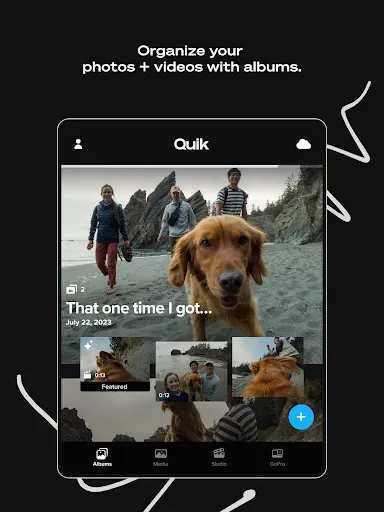
View and manage both local and cloud media in a single view, while camera media is organized in another view. Easily view and find media in a large, easy-to-read grid with search filters and icon overlays.

--- Footnotes ---
[1] Premium or Premium+ Subscription required. Available in select countries. Cancel anytime. See terms + conditions at our official website.
[2] Subscribe to Premium for unlimited cloud storage for footage captured with a GoPro camera plus up to 100GB (or up to 500GB with a Premium+ subscription) of footage captured on non-GoPro cameras or phones. GoPro cloud storage does not support content captured with GoPro Fusion. Cloud storage for footage captured on non-GoPro cameras or phones is limited to supported file types. See supported file types at our official website.

Downloads

VVARY

Size: 239.1 MB

Updated: 2026-04-21

User Reviews

4.52
1M+ Reviews
5
79%
4
10%
3
3%
2
2%
1
6%
Kari Horn
Apr 29, 2026

I miss quik before it sold out to go pro. had some really cool videos from it back then.

Russell M
Apr 29, 2026

As a user, I need clear control over whether features like Suggestions can access, analyze, upload, or use non-GoPro media stored on my phone, especially when the app requires broad media access and indexes local videos/photos, so that I can receive helpful suggestions w/o uncertainty about what data is collected or how my media may be exposed to cloud processing, product R&D, or AI training. Nags user to allow notifications.

J.
Apr 29, 2026

I have premium but it takes too long to edit each single clip even just for trimming it, and when you're working with a lot of them you can spend hours editing. Also lately when you start a new project the options such as save project, or share the video have disappeared, so you just edit the video and when you want to export you cannot, having to go back and getting stuck between discard edits or go back to the project where you can only edit but not save or export which make the app useless 🙃

buubised
Apr 29, 2026

does not work good at all with gopro 4. not sure if camera or app problem.

Damien Rundell
Apr 28, 2026

can no longer enable to live preview for my hero 5. such a pain I use this feature all the time just up and fix it and for gods sake test your builds

Luca Ricci
Apr 28, 2026

impossible to edit videos manually. only auto edit option available with AI contect which I don't want. I just need to merge two clips together but it is impossible with this app

Mosheem Khan
Apr 28, 2026

Update 4/2026. It's still 2 stars. they increased the price by $10 but android users get no new enhancements. I hate that the app doesn't allow more than one song. I've been using YTCreate app for editing & it's been great. **(original review 2025) When the app works, then it churns out great videos. Unfortunately for Android users, we aren't able to make edit on a PC although we have been told it's been coming for 2 years and we get charged the same full price as Apple users.

Andrés Francisco López Rejón
Apr 28, 2026

no inicia sesión en la tableta, se auténtica, pero vuelve a iniciar el mismo proceso una y otra vez

Mitch
Apr 27, 2026

Only half works if you don't pay the subscription. It abruptly stops midway through downloading media and then it won't load in the half you're missing no matter what you try. The share button is broken, it converts the video and then shows a check mark and nothing else happens. It's so buggy and shady! Buy an Insta360.

Matt
Apr 26, 2026

I've been debating getting a GoPro for years. Finally bit the bullet and got one. Trying to use this app to get the Media onto my phone. Yesterday, it let me preview the screen, see the one test video I recorded and let me download. today, I used it to record a few clips of my day. Can not get it to work for the life of me. reset connects. uninstalled and reinstalled app. reconnected camera to phone. I cant get it to work and it's really making me regret my purchase. Help!!