

LegendPeeps
Home Apps Business Microsoft Authenticator
Microsoft Authenticator

Microsoft Authenticator

4.66
|
V6.2604.2550
|
100M+
Microsoft Authenticator screenshot Microsoft Authenticator screenshot Microsoft Authenticator screenshot Microsoft Authenticator screenshot Microsoft Authenticator screenshot Microsoft Authenticator screenshot Microsoft Authenticator screenshot Microsoft Authenticator screenshot Microsoft Authenticator screenshot Microsoft Authenticator screenshot Microsoft Authenticator screenshot Microsoft Authenticator screenshot Microsoft Authenticator screenshot Microsoft Authenticator screenshot Microsoft Authenticator screenshot Microsoft Authenticator screenshot Microsoft Authenticator screenshot Microsoft Authenticator screenshot Microsoft Authenticator screenshot

App Information

Category Business
Developer Microsoft Corporation
Version 6.2604.2550
Content Rating Everyone
Price Free
Min Android 8.0

Description

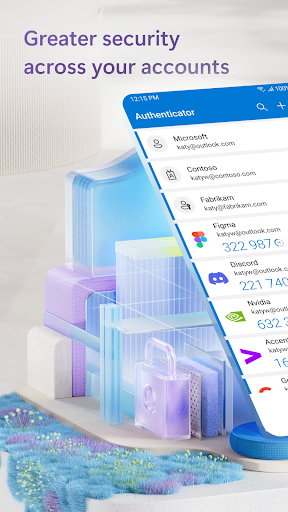
Use Microsoft Authenticator for easy, secure sign-ins for all your online accounts using multi-factor authentication or passwordless. You also have additional account management options for your Microsoft personal, work or school accounts.

Getting started with multi-factor authentication

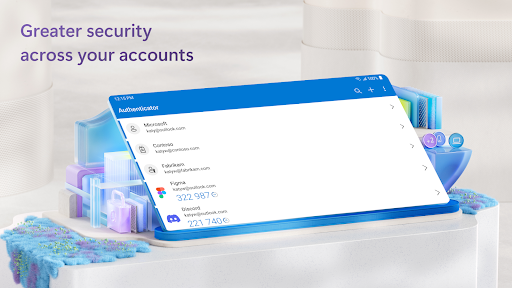
Multi factor authentication (MFA) or two factor authentication (2FA) provides a second layer of security. When logging in with multi-factor authentication, you’ll enter your password, and then you’ll be asked for an additional way to prove it’s really you. Either approve the notification sent to the Microsoft Authenticator, or enter the one-time password (OTP) generated by the app. The one-time passwords (OTP codes) have a 30 second timer counting down. This timer is so you never have to use the same time-based one-time password (TOTP) twice and you don’t have to remember the number. The one-time password (OTP) doesn’t require you to be connected to a network, and it won’t drain your battery. You can add multiple accounts to your app, including non-Microsoft accounts like Facebook, Amazon, Dropbox, Google, LinkedIn, GitHub, and more.

Getting started with passwordless

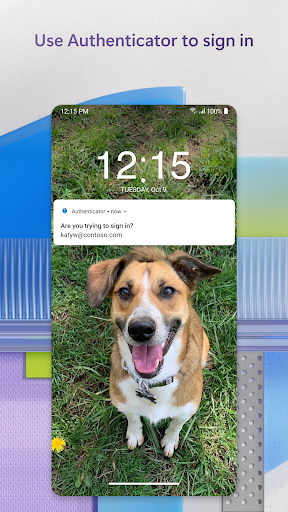
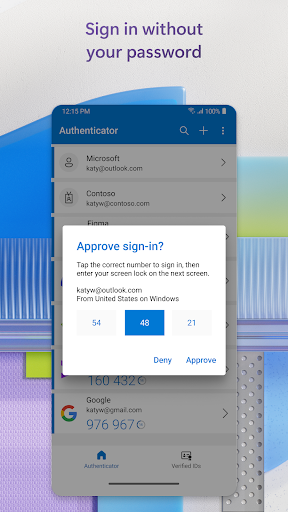
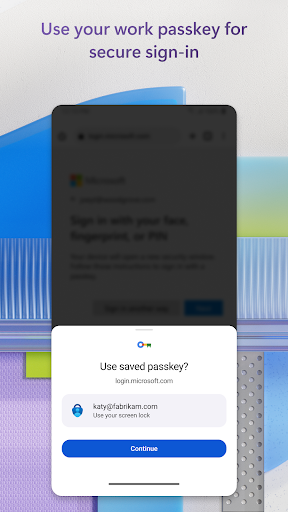
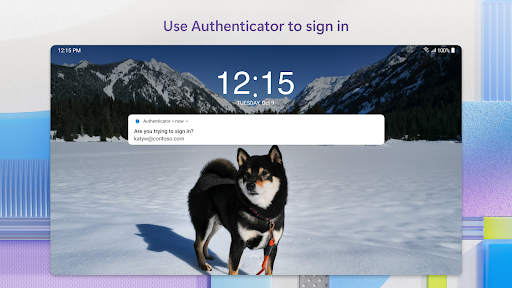
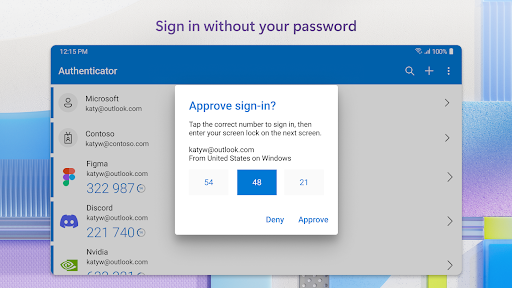
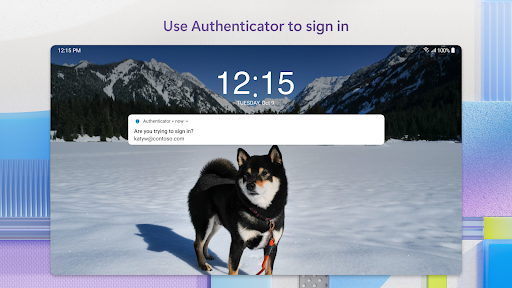
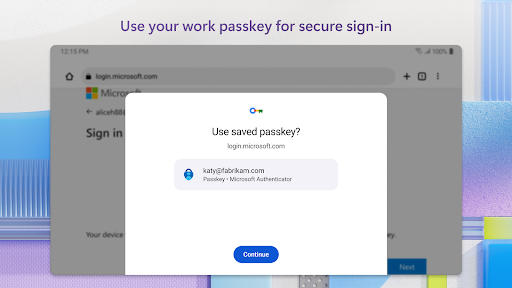
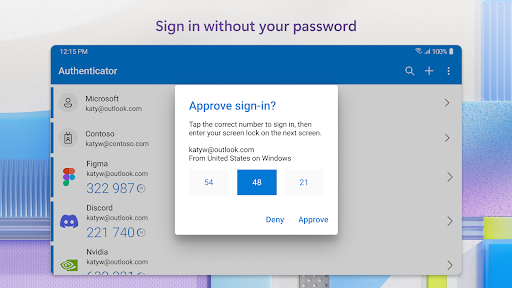
Use your phone, not your password, to log into your Microsoft account. Just enter your username, then approve the notification sent to your phone. Your fingerprint, face ID, or PIN will provide a second layer of security in this two-step verification process. After you’ve signed in with two factor authentication (2FA), you’ll have access to all your Microsoft products and services, such as Outlook, OneDrive, Office, and more.

Microsoft personal, work or school accounts

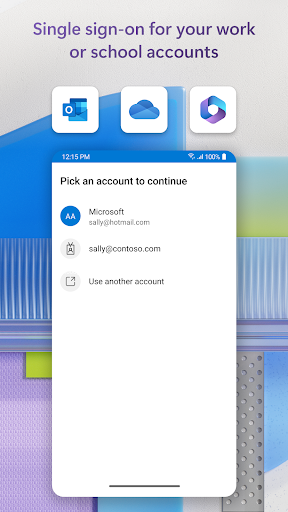
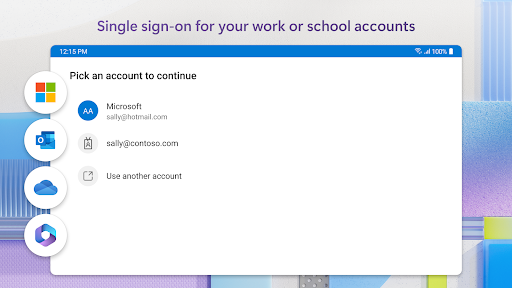
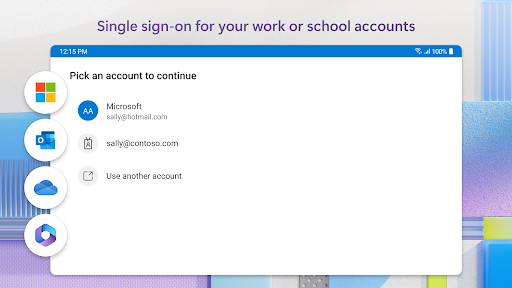
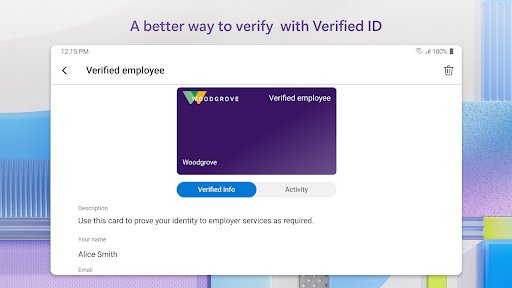
Sometimes your work or school might ask you to install the Microsoft Authenticator when accessing certain files, emails, or apps. You will need to register your device to your organization through the app and add your work or school account. Microsoft Authenticator also supports cert-based authentication by issuing a certificate on your device. This will let your organization know that the sign-in request is coming from a trusted device and help you seamlessly and securely access additional Microsoft apps and services without needing to log into each. Because Microsoft Authenticator supports single sign-on, once you have proven your identity once, you will not need to log in again to other Microsoft apps on your device.

Optional Access Permissions

Microsoft Authenticator includes the following optional access permissions. All these require user consent. If you choose to not grant these optional access permissions, you can still use Microsoft Authenticator for other services that do not require such permission. For more information see https://aka.ms/authappfaq

Location: Sometimes your organization wants to know your location before allowing you to access certain resources. The app will request this permission only if your organization has a policy requiring location.

Camera: Used to scan QR codes when you add a work, school, or non-Microsoft account.

Read the contents of your storage: This permission is only used when you report a technical problem through the app settings. Some information from your storage is collected to diagnose the issue.

User Reviews

4.66
2M+ Reviews
5
79%
4
14%
3
3%
2
1%
1
3%
Rajaul karim
May 16, 2026

very impact full app

Jose Luis Herrera Suarez
May 16, 2026

amazing

Brijwaasi
May 16, 2026

worst app no notification or code is coming due to this aap my other application are not coming because they want cose from authenticator app.

Haley Walters
May 16, 2026

Ever lose your phone? This app makes that 10x more inconvenient. Needs better support to help people recover authentication on new devices.

Phil A
May 16, 2026

magic

スィリティマンSmritiman
May 16, 2026

great 👍🏽👍🏽👍🏽

Lee Miller
May 16, 2026

works like it should. transfers to new devices work well, and I consider that a must.

Ed Chavez
May 16, 2026

Works great except if you need to transfer your accounts to a new phone. As of May 15, 2026, you can't migrate because there's "something wrong" and of course that's the only message you get. There is no support. And I'd warn you NOT to follow the AI help instructions, which, to summarize, will ask you to delete your data. Of course that's the last thing you should do! I'm only using this since I made the mistake of starting to use it for some MFA accounts. I'd stay away otherwise.

Iqbal Zamroni
May 16, 2026

good

Joey Credo TV
May 16, 2026

very good app