
LegendPeeps
Home Apps Productivity Adobe Acrobat Reader: Edit PDF
Adobe Acrobat Reader: Edit PDF

Adobe Acrobat Reader: Edit PDF

4.45
|
VVARY
|
500M+
Adobe Acrobat Reader: Edit PDF screenshot Adobe Acrobat Reader: Edit PDF screenshot Adobe Acrobat Reader: Edit PDF screenshot Adobe Acrobat Reader: Edit PDF screenshot Adobe Acrobat Reader: Edit PDF screenshot Adobe Acrobat Reader: Edit PDF screenshot Adobe Acrobat Reader: Edit PDF screenshot Adobe Acrobat Reader: Edit PDF screenshot Adobe Acrobat Reader: Edit PDF screenshot Adobe Acrobat Reader: Edit PDF screenshot Adobe Acrobat Reader: Edit PDF screenshot Adobe Acrobat Reader: Edit PDF screenshot Adobe Acrobat Reader: Edit PDF screenshot Adobe Acrobat Reader: Edit PDF screenshot Adobe Acrobat Reader: Edit PDF screenshot Adobe Acrobat Reader: Edit PDF screenshot Adobe Acrobat Reader: Edit PDF screenshot Adobe Acrobat Reader: Edit PDF screenshot Adobe Acrobat Reader: Edit PDF screenshot Adobe Acrobat Reader: Edit PDF screenshot Adobe Acrobat Reader: Edit PDF screenshot Adobe Acrobat Reader: Edit PDF screenshot Adobe Acrobat Reader: Edit PDF screenshot Adobe Acrobat Reader: Edit PDF screenshot

App Information

Category Productivity
Developer Adobe
Version VARY
Content Rating Everyone
Price Free
Min Android Varies with device
Updated Apr 24, 2026

Description

Major new update

Major new updates: Collaborate and share your files in PDF Spaces, turn your document summaries into podcast-style audio, and create standout content in Acrobat Reader with design tools powered by Adobe Express.

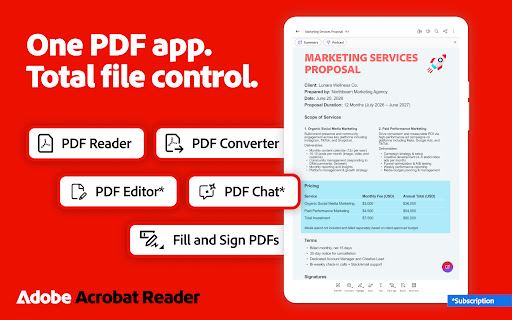
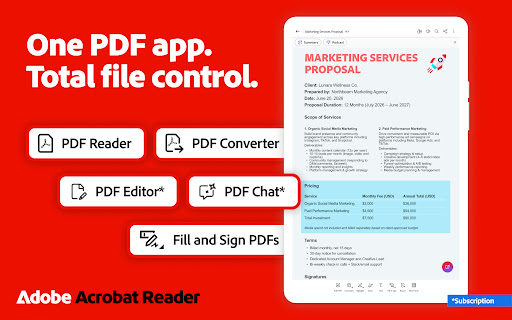
The world’s most trusted PDF reader, PDF editor, and PDF maker with more than 635 million installs. View, share, annotate, add comments, and sign documents - all in one app. You can store your files online and read documents anywhere.

Get your 7-day free trial and try all the features of Acrobat Reader.

Paid features

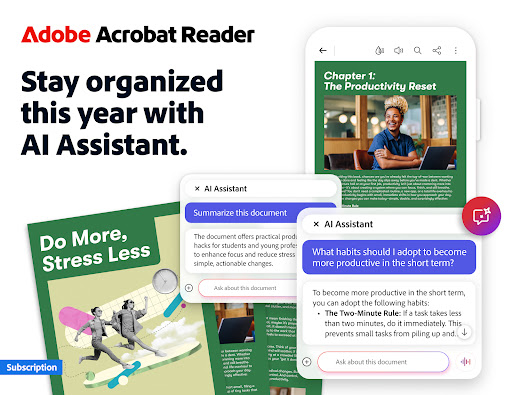
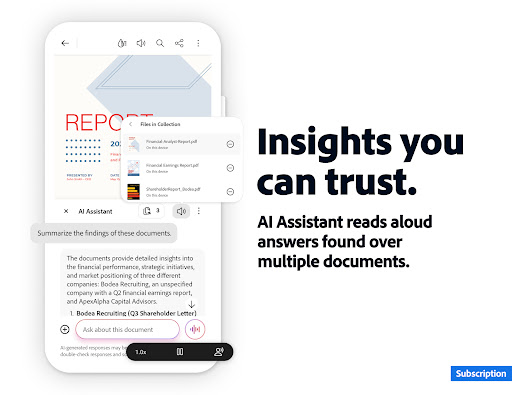
Adobe Acrobat AI Assistant
• Work across multiple files in one place with PDF Spaces. Collaborate, store, and use AI Assistant across files
• Use voice or text prompts with AI Assistant chatbot
• Ask questions and get cited answers about details in your document, including charts, graphs, and tables with Figures Q&A
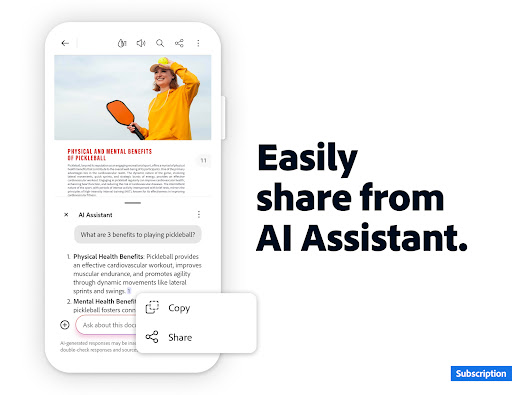
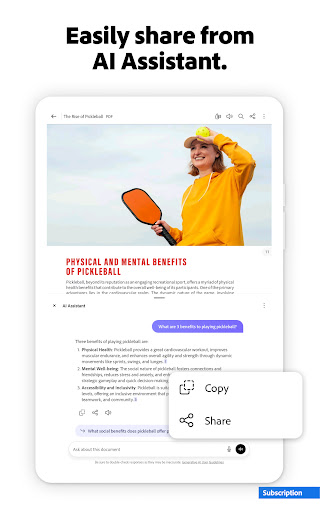
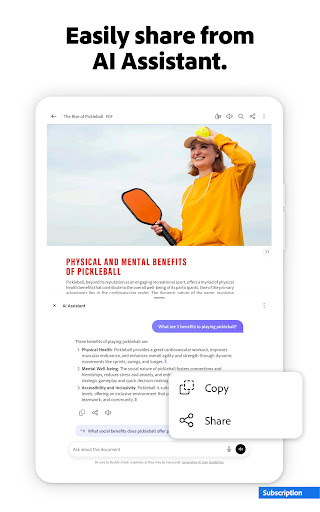
• Easily share the responses you get
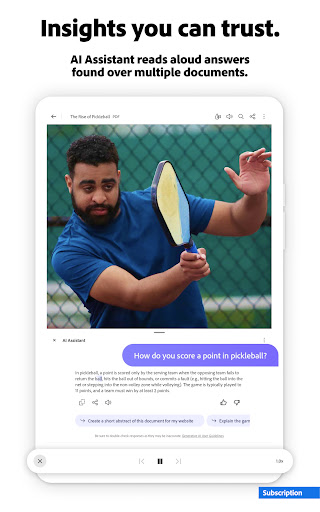
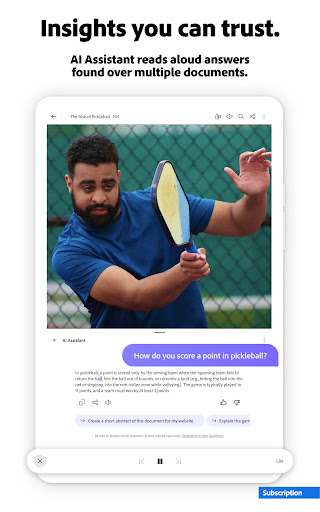
• Try voice support to ask queries and have answers read aloud.
• Instantly generate summaries from your PDFs with Generative AI Summaries
• Get content for emails, text, study notes, blogs, and more

[Adobe Acrobat AI Assistant is a paid feature*, free for a limited time]

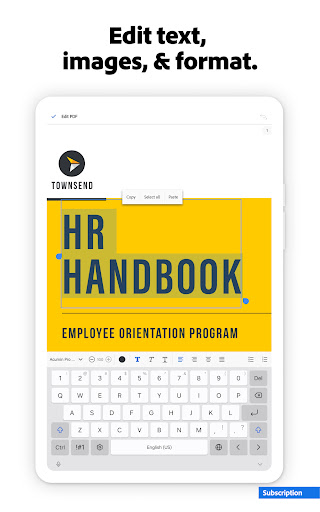
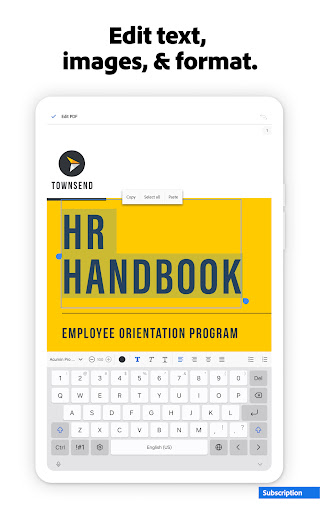
Edit PDFs
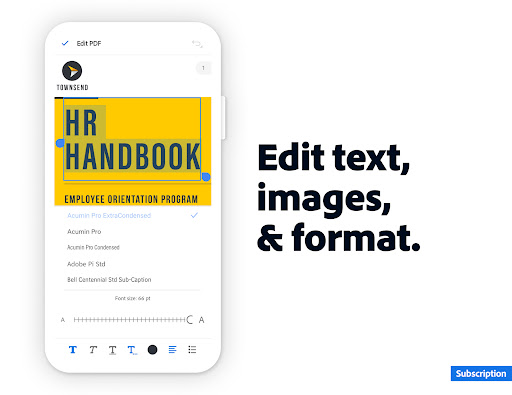
• With our PDF editor, edit text and images directly in your PDF (mobile only)
• Fix typos or add paragraphs with the PDF editor
• Easily add, delete, or rotate any image
• Use this PDF signer and PDF viewer to get your docs just right

Recognize text
• Optical Character Recognition (OCR) turns scanned PDFs into searchable, editable text to use in other formats

Merge & organize PDFs with PDF converter
• Split or combine multiple files into one PDF with PDF converter
• Use the PDF editor to insert, delete, rotate, crop & reorder pages in your PDF file

Create, convert & export PDFs
• Easily convert to PDF from any file type including Microsoft, Google Docs, and images
• Export and convert PDFs to Microsoft Word, Excel, PowerPoint, or various image files
• Convert web pages to PDFs

Compress & highly secure PDFs
• Compress PDF files for easy saving and sharing
• Password Protect PDF documents

Have your PDF read aloud
• Listen to your PDFs on the go, great for reading support
• Choose free voices or upgrade for high-quality options

Subscribe now to access all these features and use Acrobat across mobile and web platforms.

Free-to-use features

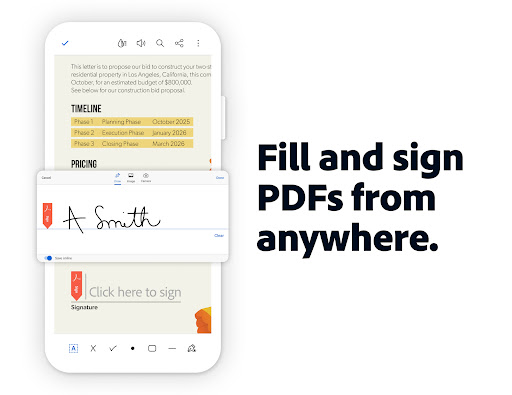
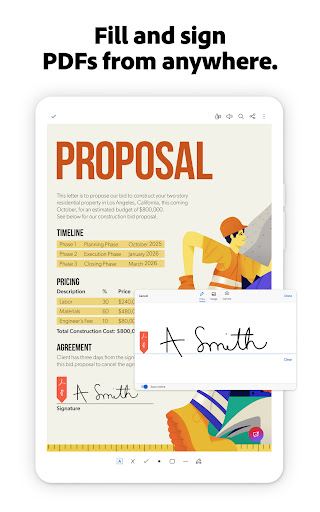
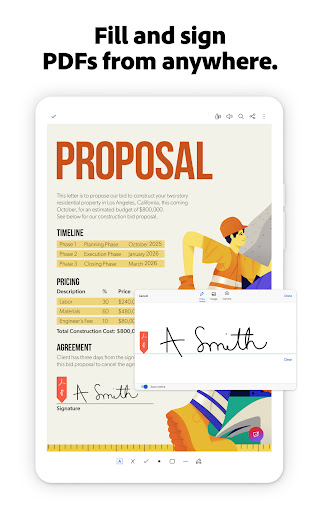
PDF signer: Fill & Sign
Adobe Fill & Sign is free & available in Acrobat Reader. A form filler and PDF signer that lets you fill, sign, and send

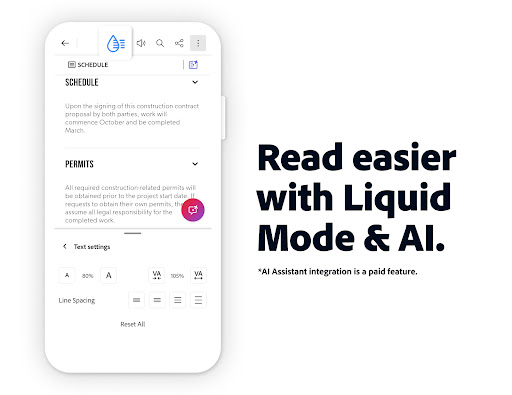
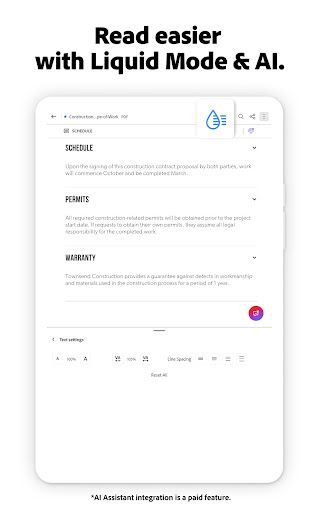
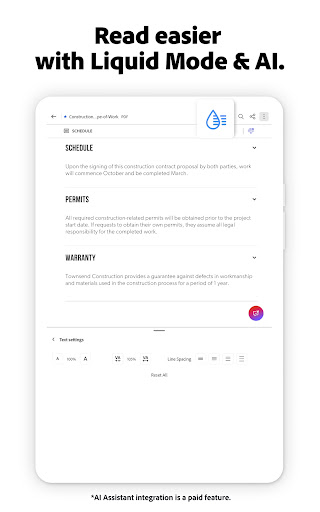
Liquid mode for optimal PDF viewing
• Get the best PDF reading experience with this PDF viewer
• Search, navigate & adjust font size or spacing to fit your screen

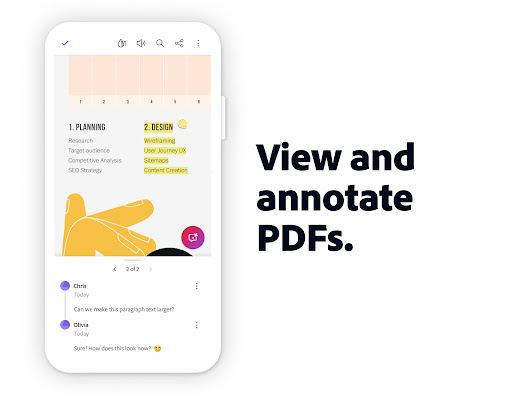
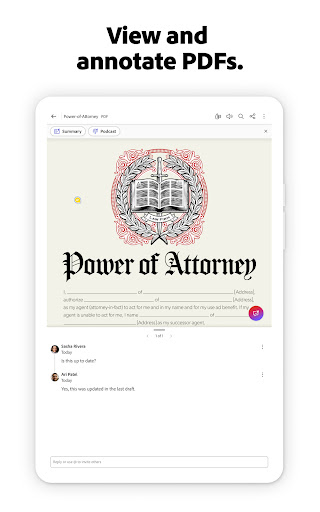
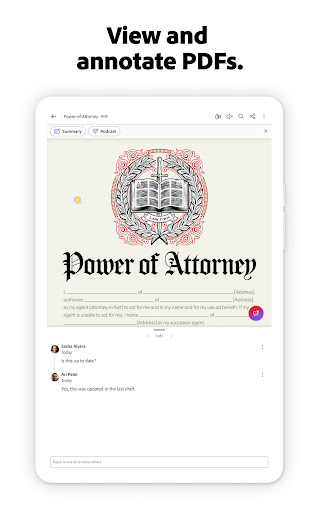
Annotate PDFs
• Add sticky notes, comments, and highlight text

Store & manage files
• Link online storage accounts like Microsoft OneDrive, Dropbox, or Google Drive
• Star files to quickly open important documents

Connect the PDF viewer and reader to Google Drive
• A PDF creator that lets you edit, compress, and export Google Drive files with a subscription

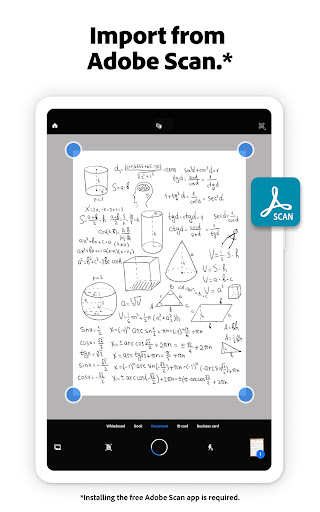
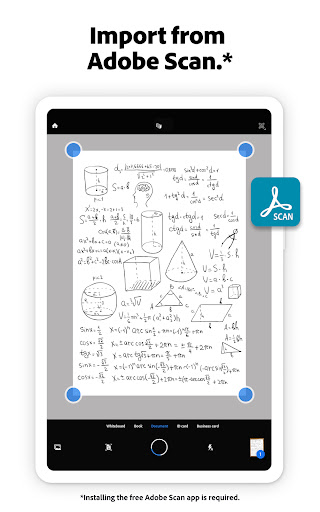
Work with scanned documents
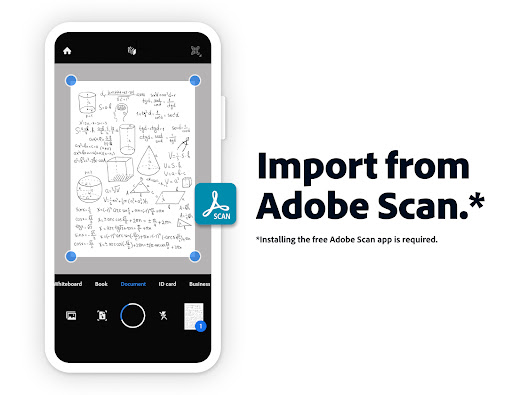
• Access scanned PDFs from Adobe Scan in Acrobat to fill, sign, and share

The Acrobat Reader mobile app is designed to work with customers who have Enterprise Mobility Management (EMM) enabled.

An Adobe Acrobat AI Assistant add-on plan is available to Acrobat Individual customers.

Terms & Conditions:
Your use of this application is governed by the Adobe General Terms of Use http://www.adobe.com/go/terms_en and the Adobe Privacy Policy http://www.adobe.com/go/privacy_policy_en

Do not sell or share my personal information www.adobe.com/go/ca-rights

Downloads

VVARY

Size: 119.22 MB

Updated: 2026-04-24

User Reviews

4.45
7M+ Reviews
5
78%
4
9%
3
3%
2
1%
1
9%
Vent
Apr 29, 2026

It has started to show ads. Disgusting.

Chris Ballesteros
Apr 29, 2026

First of all, I never signed up for anything from adobe beyond use of a free reader. I may have signed up for a trial at some point, but do not remember. This is how they get you! They keep trying to bill me for a service I am not interested in using. I thankfully I always use my CashApp for any trial periods. I have tried to cancel through email support. However, they are still attempting to bill me. They will never get my money. I have them blocked on CashApp. They persist! Why?

Niharika Parmar
Apr 29, 2026

i didn't like this. did the payment but it's not worth buying

Nanda Yadav
Apr 29, 2026

Don't attach your Mail to this app after u can't delete your personal details from this app

Rhythm Shivgotra
Apr 29, 2026

goo bilkul acchi nhi ha ya app

Art Ford
Apr 29, 2026

can't even open pdf files anymore. which is the whole reason I installed this in the first place! I tried to open a PDF file from someone sharing a trusted link, and it would not open, but when I used my desktop, it opened just fine in a different app. try focusing on functionality over garbage AI from now on Adobe.

Parash Barmon
Apr 29, 2026

very bad

saritha shankar
Apr 29, 2026

useless fellow why irritating stupid if I want I can u don't show syuppid

Willy Reimer
Apr 29, 2026

keep getting annoying pop up reminders of unviewed files despite forcing stop and having notifications turned off. Tempted to uninstall, but I do have PDF files I do need to view from time to time.

River PB
Apr 29, 2026

words cannot describe how much I loathe acrobat either for mobile or for PC. it is slow and sluggish regardless of how powerful your device is. it is clunky to use, unintuitive, has lots of bugs and glitches, and now, expensive. it's a PDF reader! it doesn't have to be so complicated!